Adding a provider
- Navigate to voice.hellopearl.com and log in.
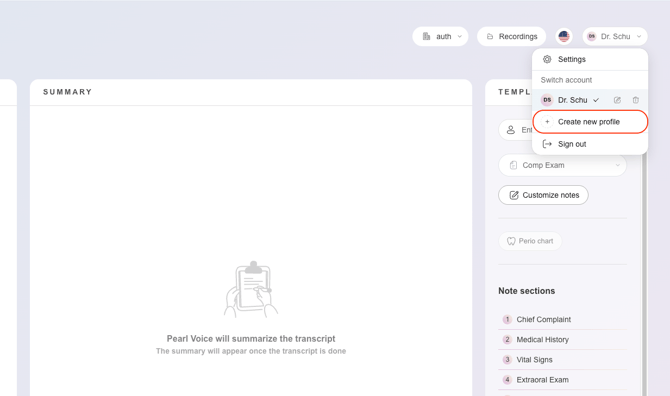
- Go to the account drop down.
- Select 'Create new profile'.
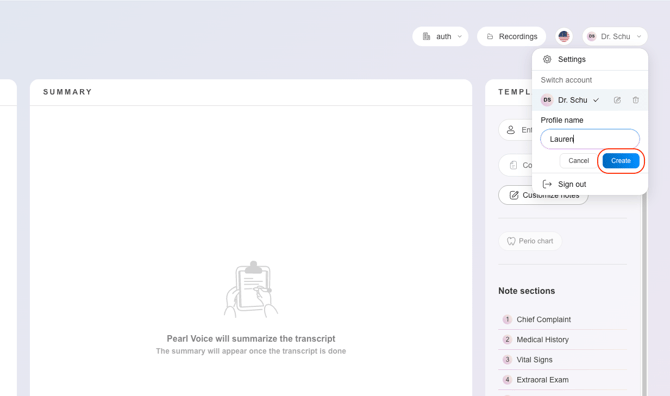
- Enter the profile name and 'Create'
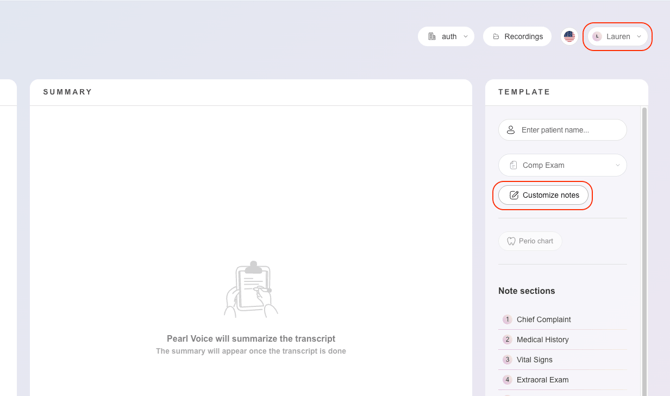
- Set up their Customized Notes and template preferences. The provider will be save along with their Note Customizations.
Removing a provider
If a provider has left your practice or is no longer using Pearl Voice, ther profile can be removed. This will delete their provider profile entirely.
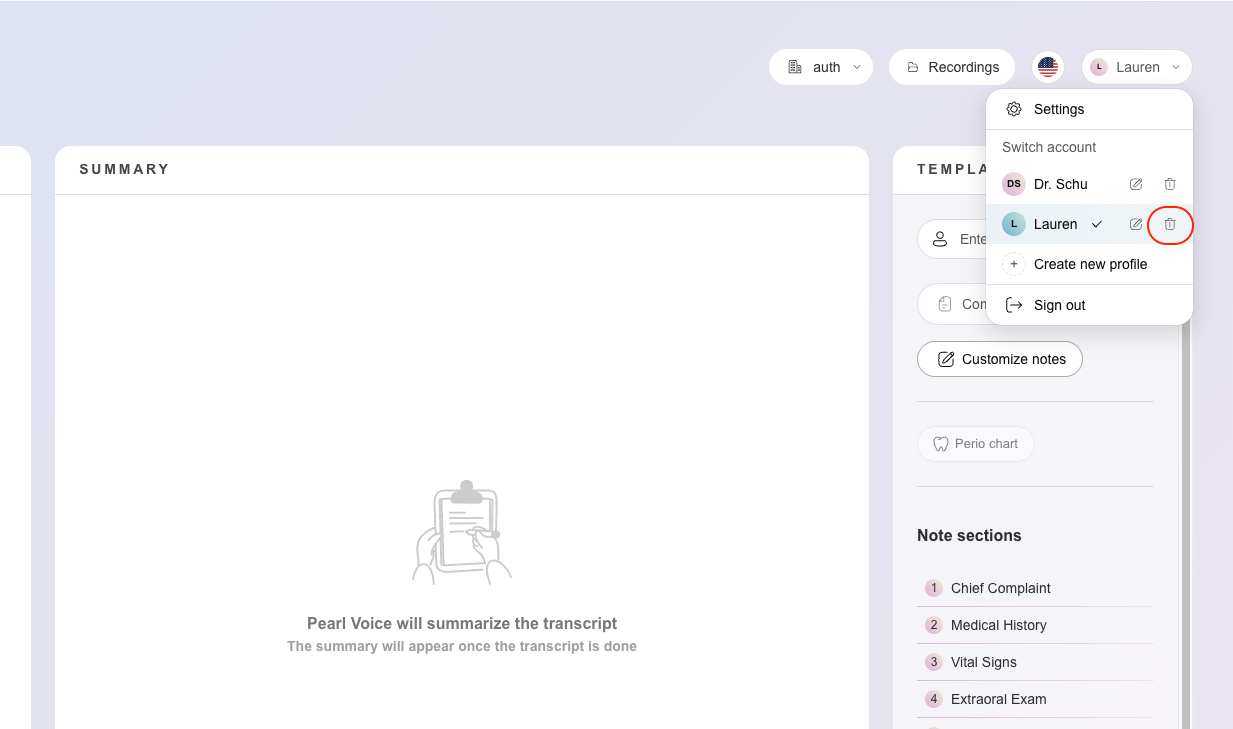
- Go to the account drop down.
- Select the trash can icon.
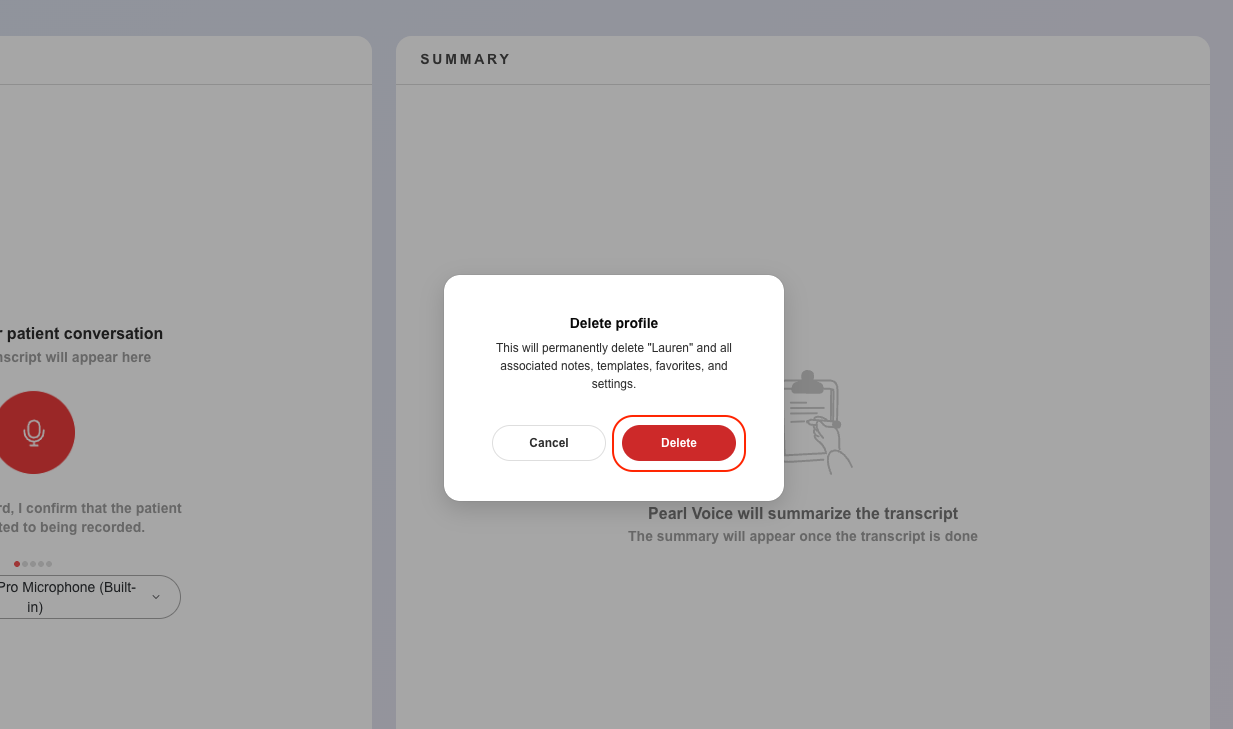
- Confirm deletion. All note customizations, favorites and settings related to the profile will be removed.