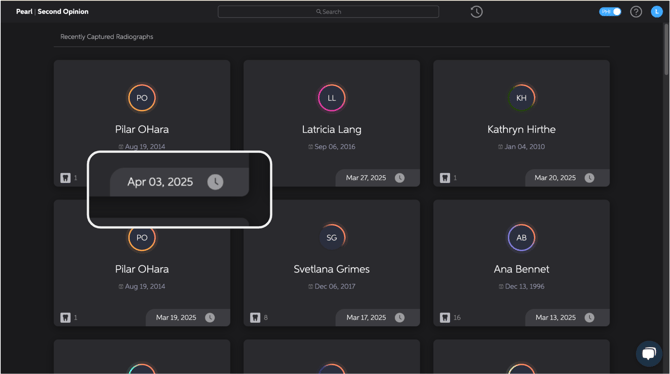
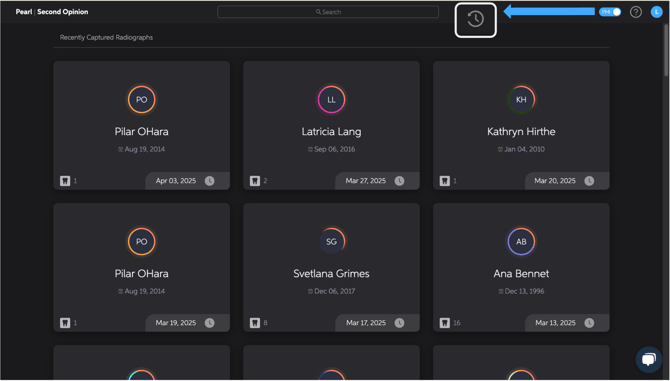
The Second Opinion® home page displays patients in the order their radiographs were taken, with the most recent patient first. The date of the most recent radiograph taken can be found in the bottom right-hand corner of the patient card.
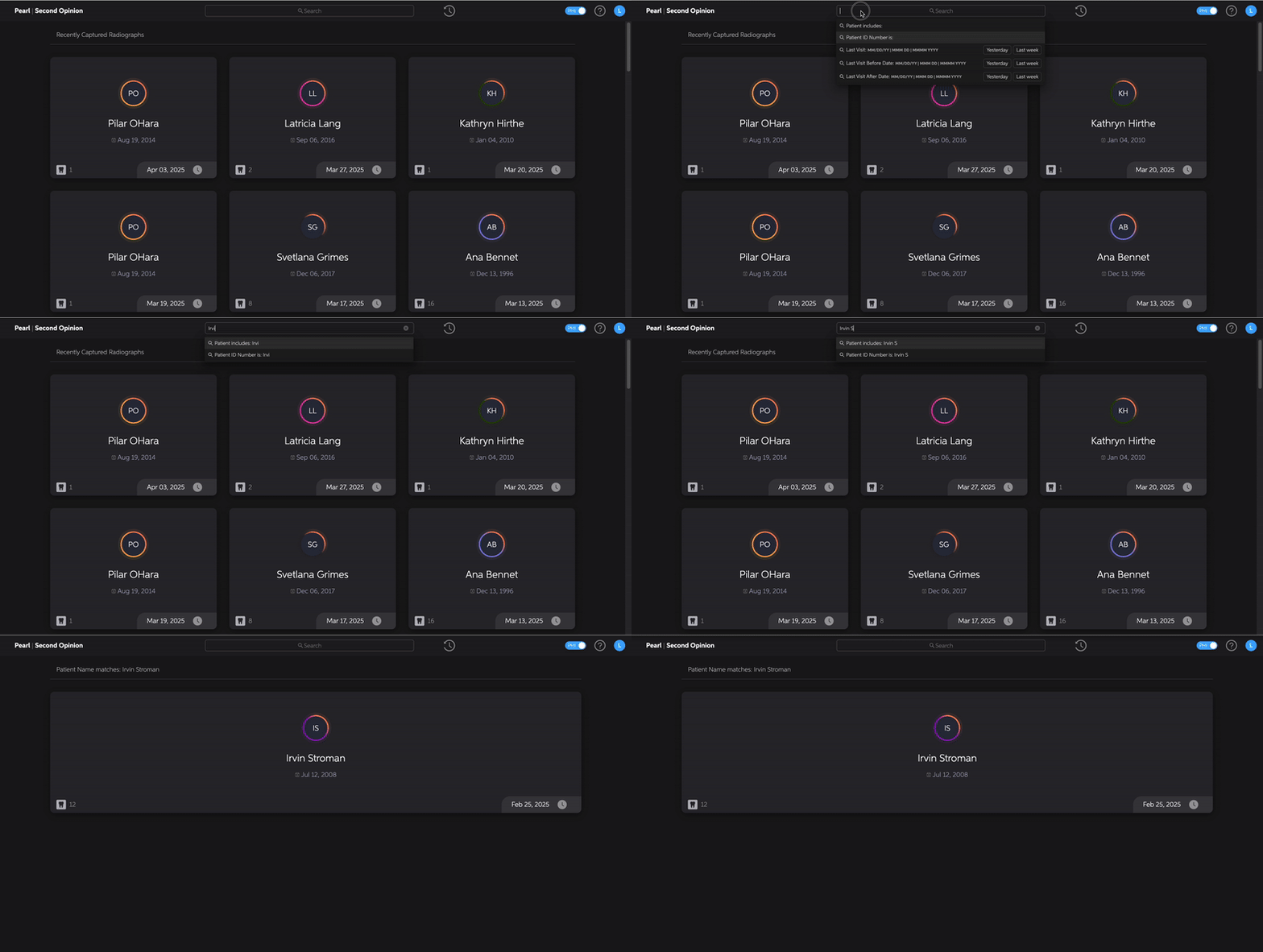
You can search for a specific patient by typing their name or chart ID into the search bar and pressing enter.
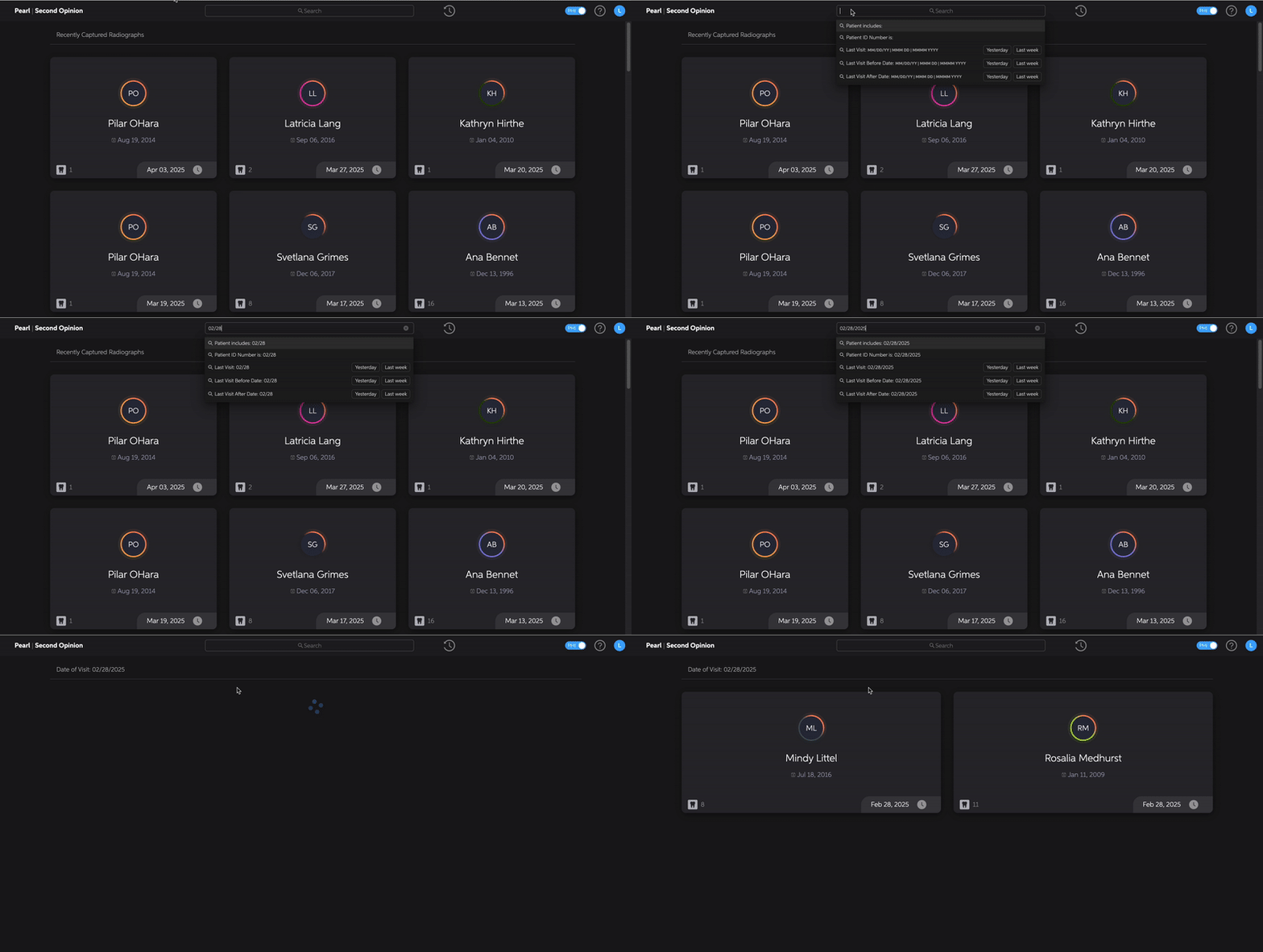
You can also search for patients by different date ranges based on their last visit. If you would like to search for patients by date ranges simply type the date into the search bar using the DD/MM/YYYY format and click on the option you would like to search by. The date range options are:
- Last Visit
- Last Visit Before Date
- Last Visit After Date
Clicking on the icon to the right of the search bar will always take you back to the home page displaying patients in the order their radiographs were taken, with the most recent patient first.
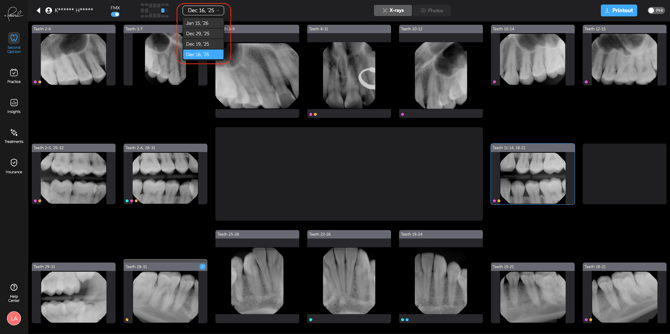
Within a patient's chart, each image date is accessible. If a patient has multiple image dates, a dropdown appears and will allow you to select the desired image date to display images taken on that date.