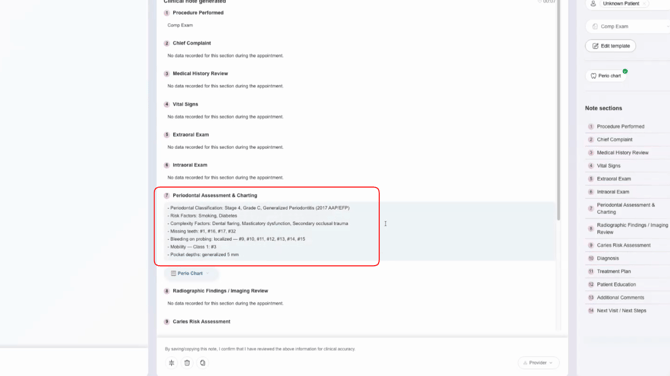
Step 1: Begin Perio Charting
Start perio charting as you normally would. Enter measurements and relevant findings for each area of the mouth.
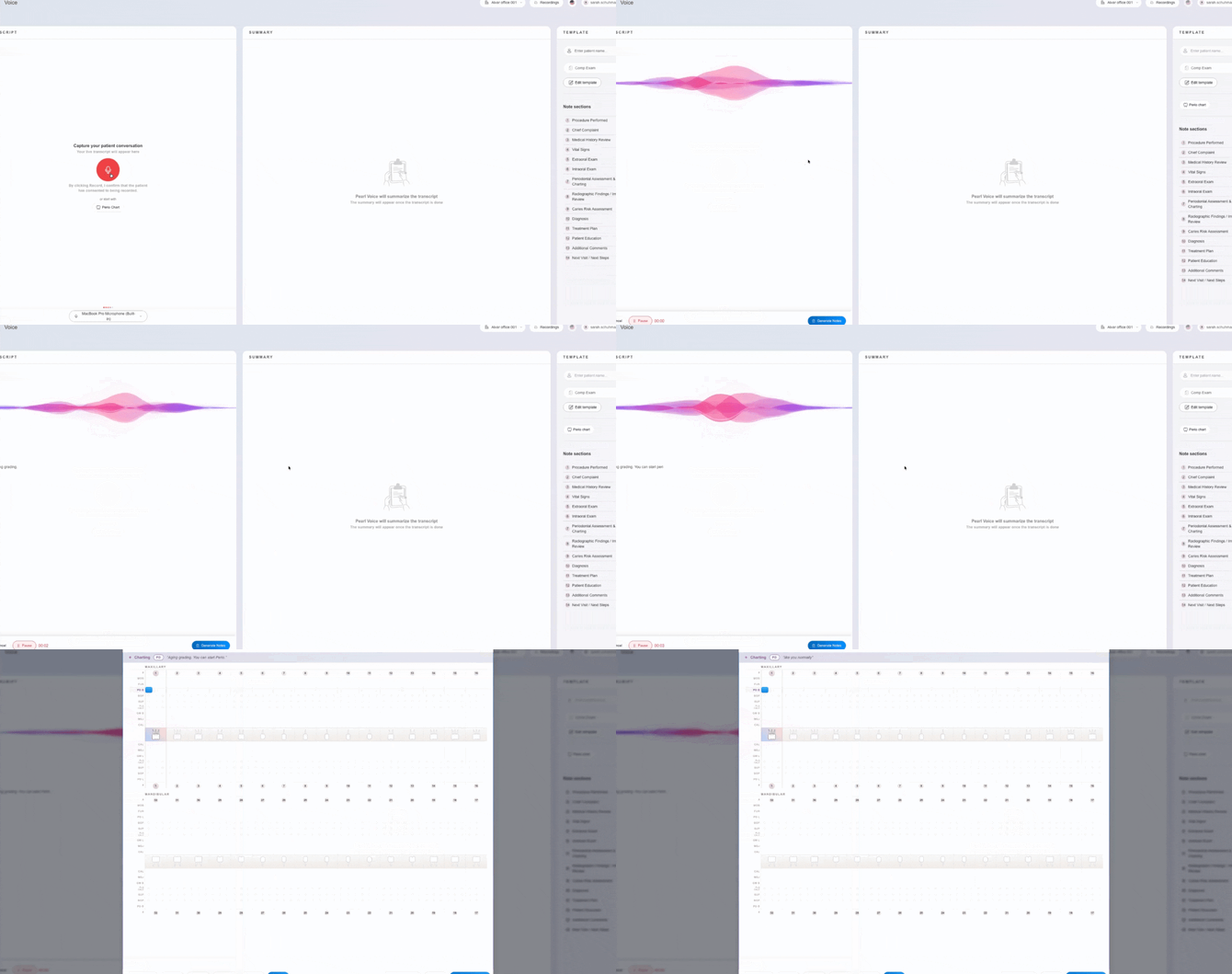
Step 2: Input Chart Data
Record findings such as depths (e.g., 5, 5, 5), missing teeth, bleeding points, and mobility.
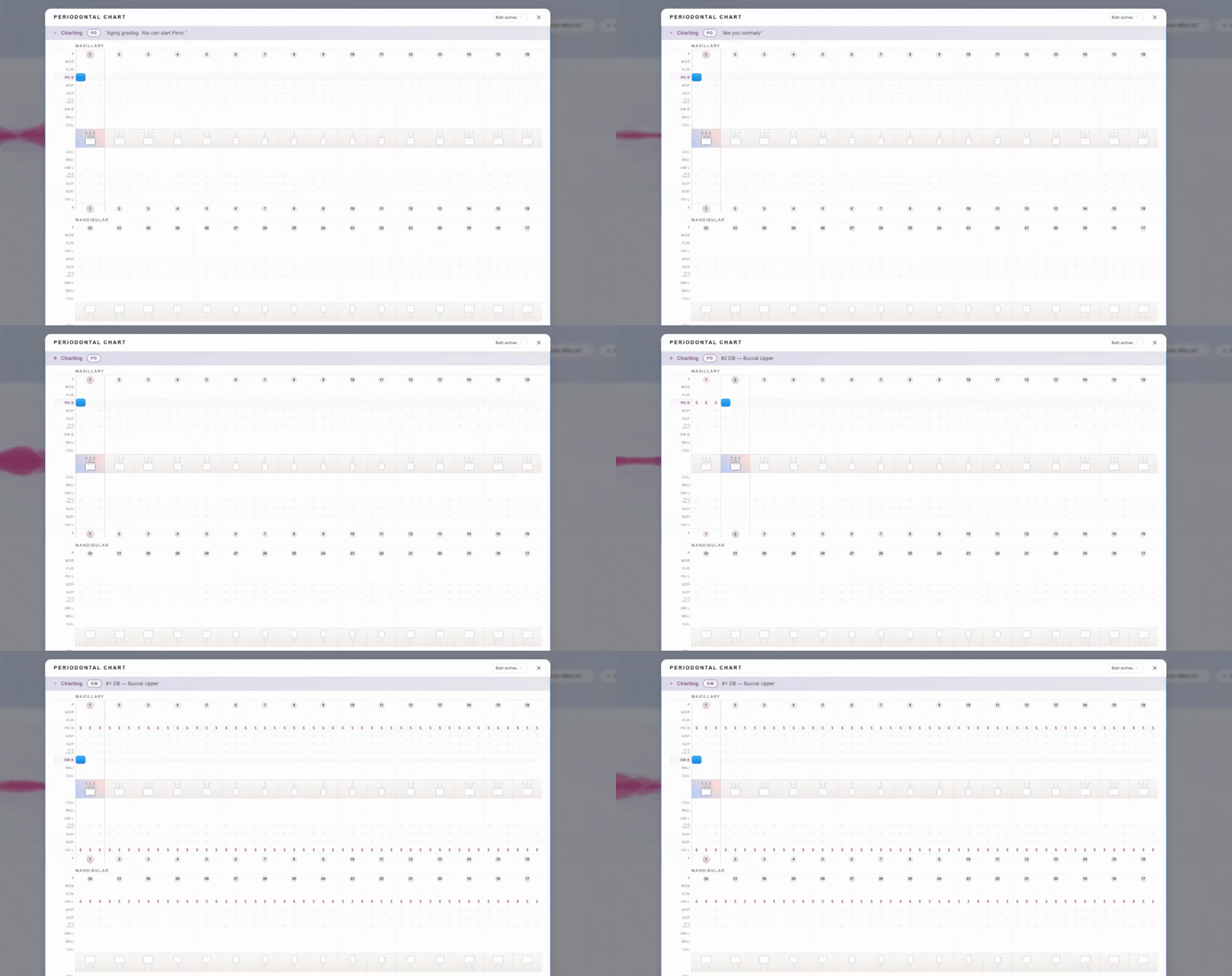
Step 3: Make Final Edits if Needed
You can still edit entries manually if necessary, but try to complete everything before locking.
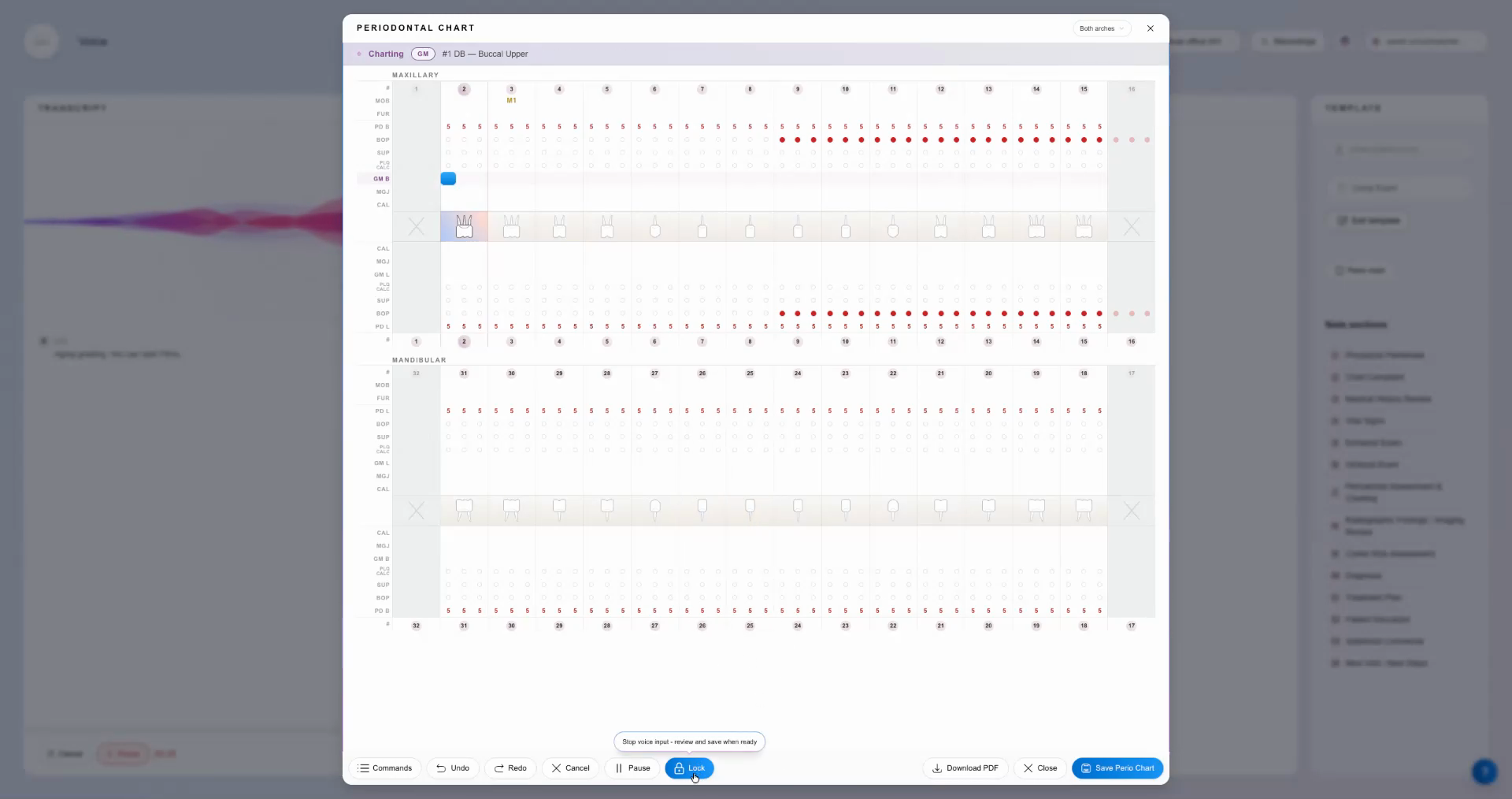
Step 4: Lock Your Inputs
When you’re ready to move forward, select the lock button. This locks your input, preventing accidental changes.
Step 5: Open Staging and Grading
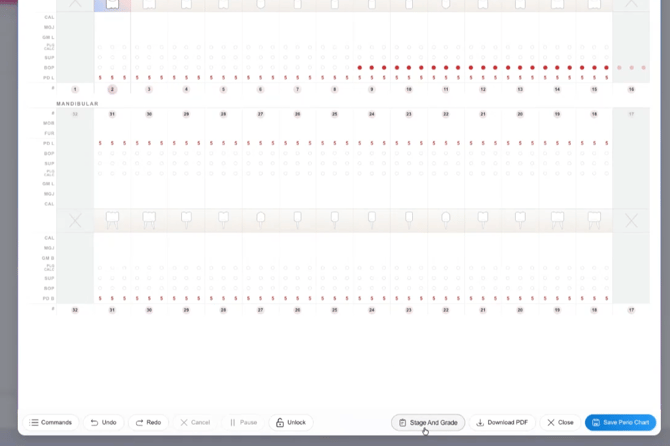
Click Stage and Grade to open the staging and grading window. The system will analyze your perio chart and suggest a periodontal diagnosis based on your data.
Step 6: Review Suggested Diagnosis
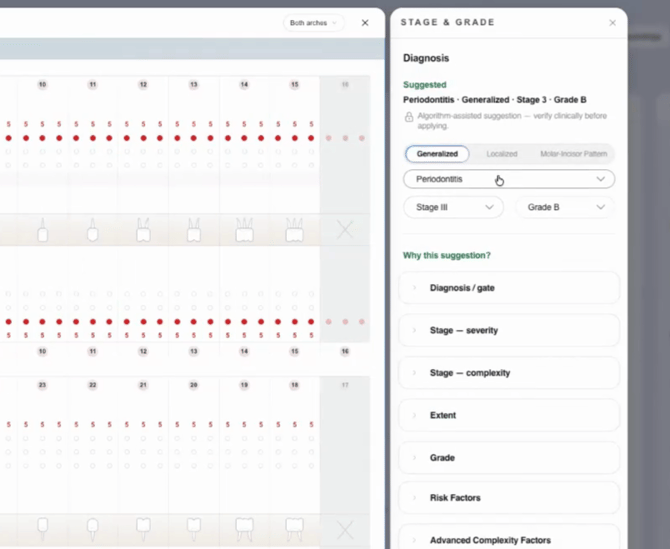
Examine the suggested stage and grade—such as "Perio Stage 3, Grade B"—and review the explanation for this choice.
Step 7: Adjust Risk or Complexity Factors
Open the Risk Factors section to add conditions like smoking or diabetes, which can influence the grade.
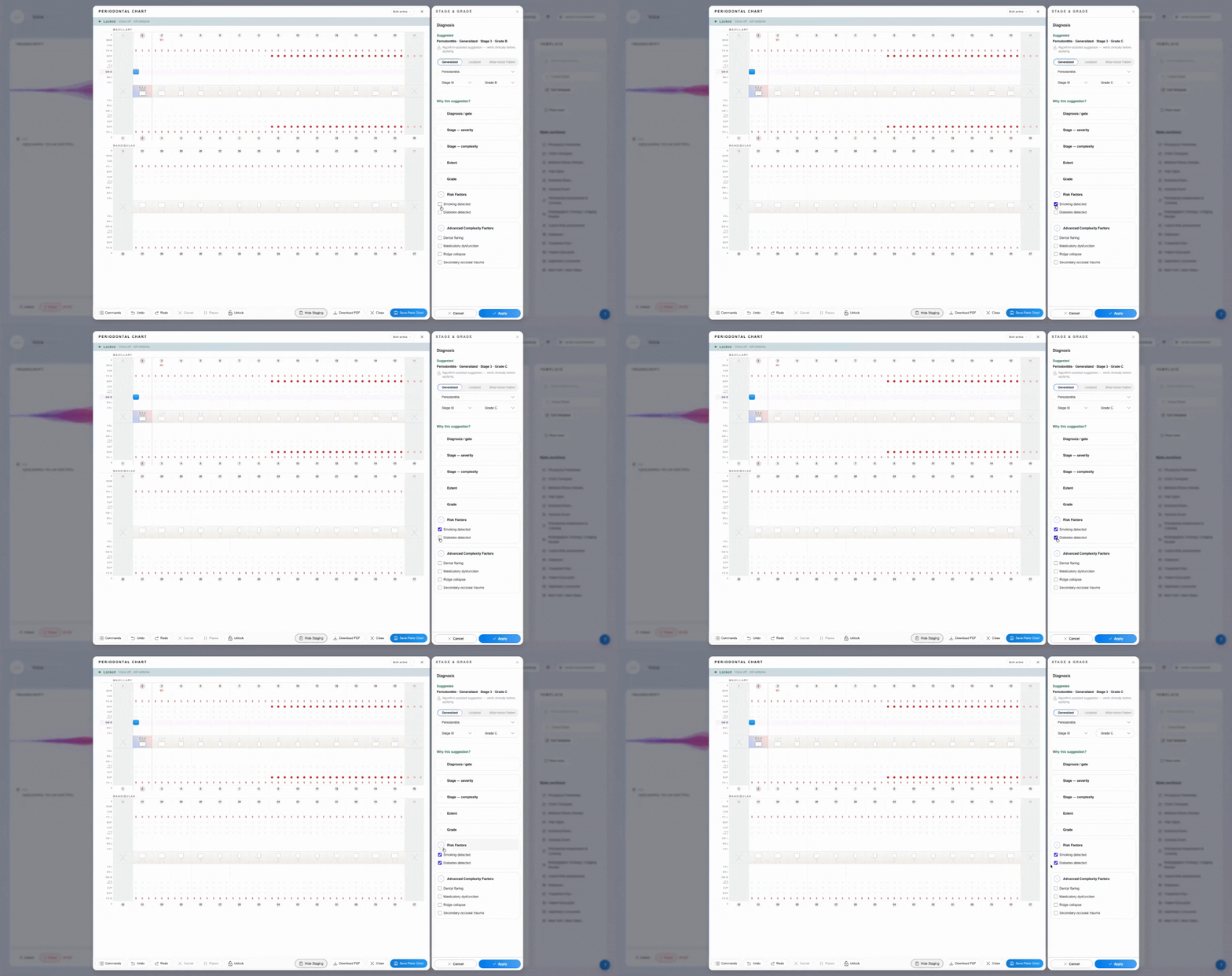
Changing these factors may alter the suggested grade (for example, from B to C).
Step 8: Customize the Diagnosis
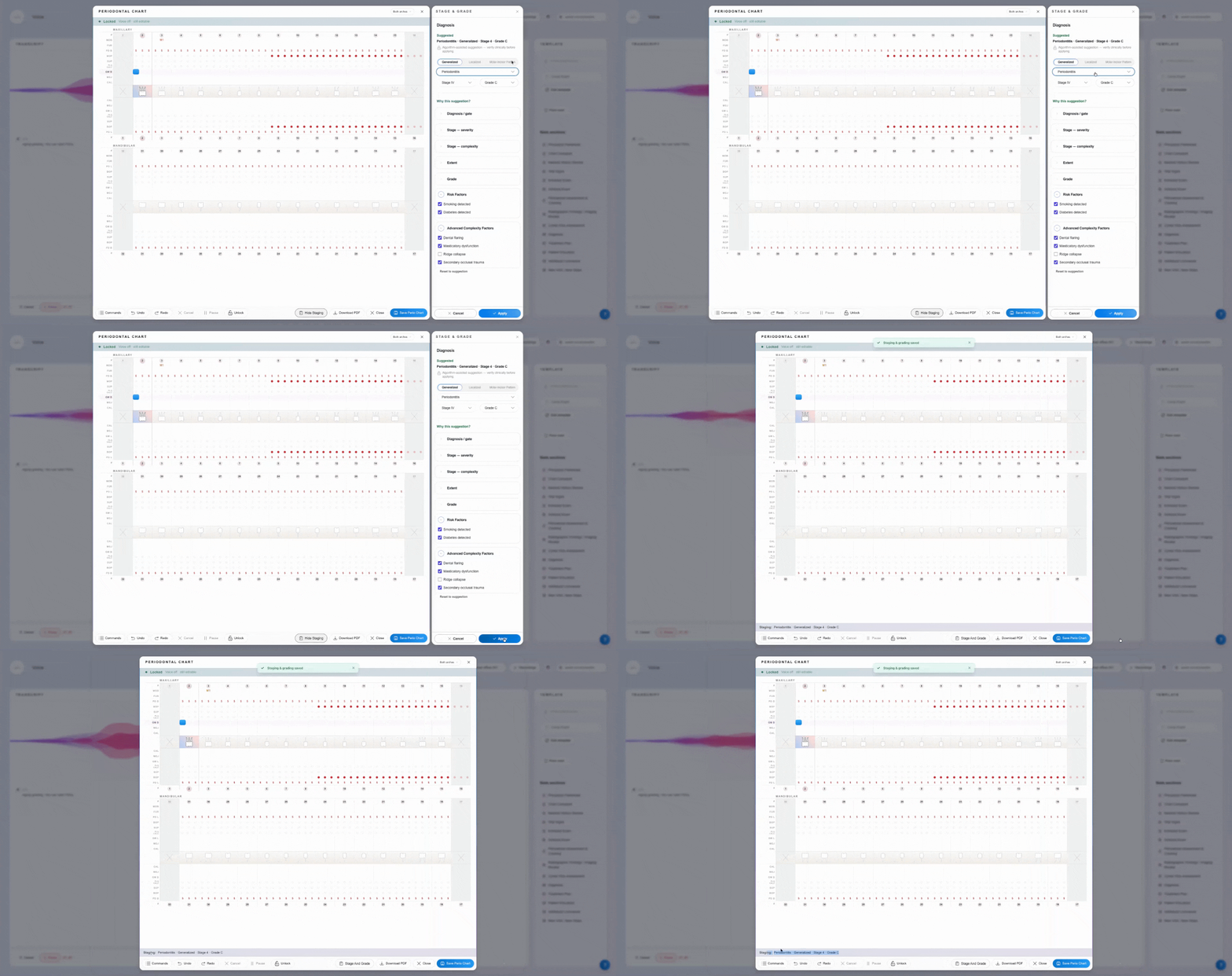
Override the system’s suggestion by changing to localized or molar-incisor patterns, adjusting the stage, grade, or selecting a more complex diagnosis if needed.
-gif.gif?width=670&height=354&name=c0cff530-0441-4597-81a6-c4b1416fb179%20(1)-gif.gif)
Step 9: Apply the Diagnosis
Once you’re satisfied, click Apply to place the diagnosis at the bottom of the perio chart for future reference.
Step 10: Save and Populate the Diagnosis
Save your changes. When you generate your patient note, the selected diagnosis, risk factors, and complexity factors will appear in the periodontal assessment and charting section.